
How cruise tracking works
Add your cruise. Watch for a better cabin.
Track a booked Royal Caribbean or Celebrity sailing without sharing your cruise-line password. Start with one sailing free.
How it works
From booked to tracking.
Actual app screenshots
Royal Caribbean · example selections
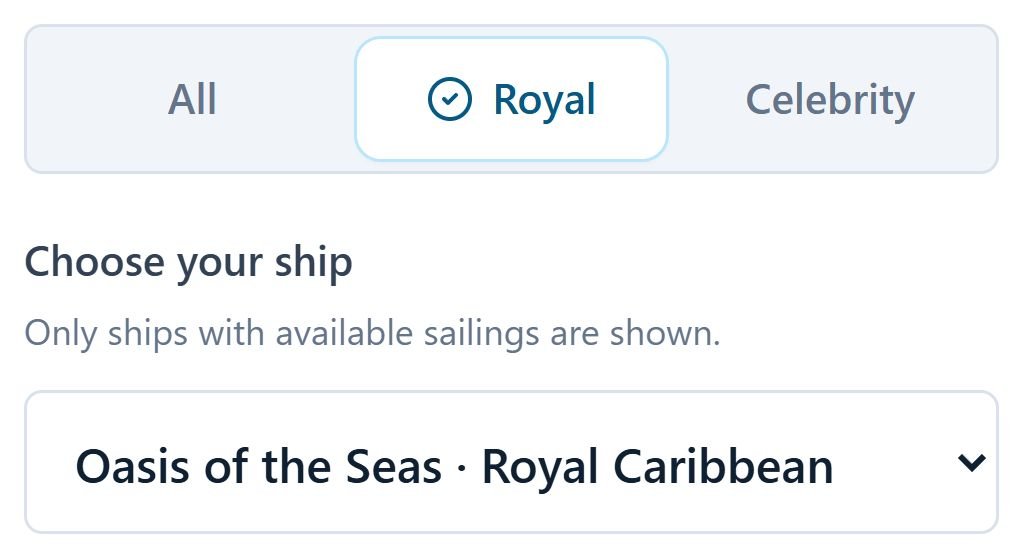
01 Find your sailing
Choose your ship and departure date.
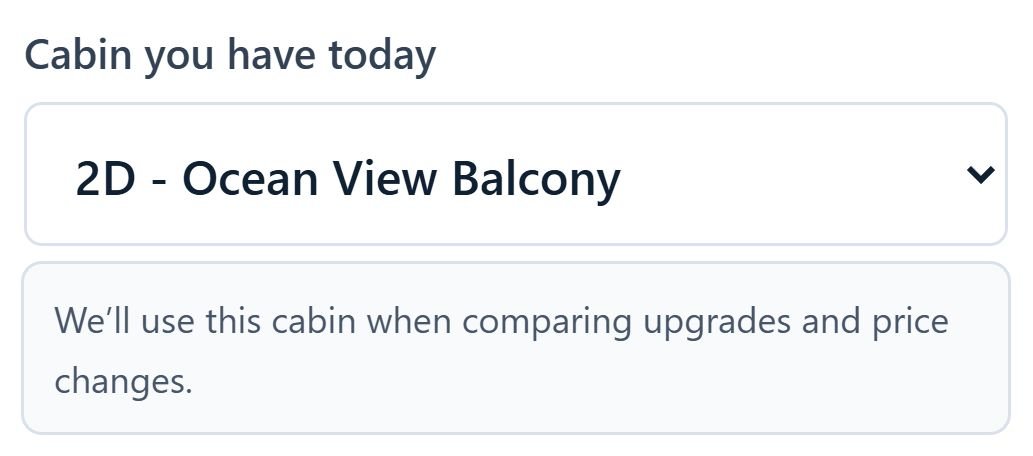
02 Confirm your cabin
Add your cabin, guests and paid fare.
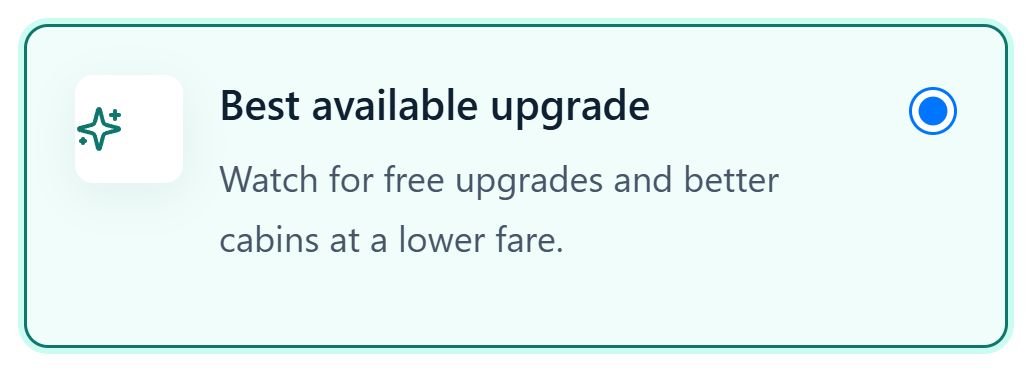
03 Choose your alerts
Pick the opportunities you want to watch.
Found an opportunity? Here’s the next step.
Review the fare, cabin comparison and recorded price history in Offer Hub. Contact your cruise line or travel advisor to confirm availability, check your booking terms and request the change. Offer Hub does not change your reservation automatically.
Read the cabin repricing guideBefore you add your sailing
Which cruise lines can I track?
You can track booked sailings with Royal Caribbean and Celebrity Cruises. Choose your cruise line and ship when adding a sailing.
Do I need my cruise line login?
Not for cabin tracking or public offer searches. The optional Club Royale browser-extension scanner requires you to sign in directly to Royal Caribbean. Offer Hub does not ask for your cruise line username or password.
What is included in the free plan?
Free includes one watched sailing, daily price checks, 14-day price history, upgrade price comparisons, basic price alerts, and five lifetime Offer Vault imports.