
Start with the Celebrity booking you have
Select Celebrity Cruises in the sailing setup and choose your ship and departure date. Enter the cabin category and fare details for your booking so the comparison starts from the room you actually have.
Royal Caribbean is the primary example in our public setup screenshots, but Celebrity is also supported in the app. Use your own ship’s category list rather than translating a Royal Caribbean category code into a Celebrity room.
Compare the cabin, the fare and the opportunity
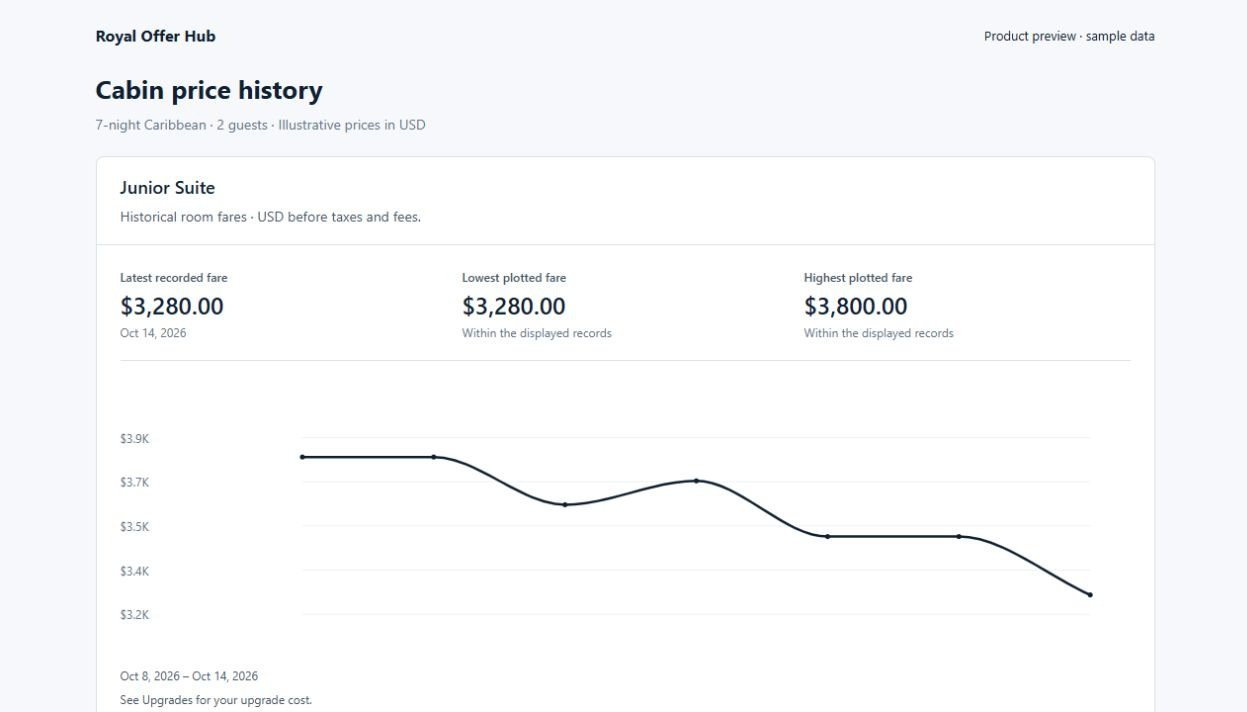
A higher category is only useful if its location, room and fare conditions suit your trip. Review the available comparison and recorded price history before choosing an opportunity to pursue.
The number you see in Offer Hub is an observation, not a cabin hold or confirmed booking change. Availability and the actual amount due must be confirmed with Celebrity or the travel advisor handling your reservation.
- Select the correct Celebrity ship and departure
- Confirm your current cabin and guest details
- Choose an upgrade or current-cabin price goal
Choose the monitoring plan that fits your trips
Free includes one watched sailing, daily price checks and basic price alerts. Cruiser adds more watched sailings, hourly checks and email alerts. Captain includes unlimited watched sailings and priority monitoring. Compare the current plan details before upgrading.
When an opportunity interests you, contact Celebrity or your travel advisor to review your booking terms and request the change. Offer Hub monitors prices; it does not change your reservation automatically.